
Turn your route into a day-by-day plan
Say you are towing a caravan from Sydney to Brisbane. You want the whole trip on paper, one day at a time. Motocamp turns your stops into a plan for each day. It comes as a PDF, a file you can print, share or email to yourself.
1Plan a trip with several stops
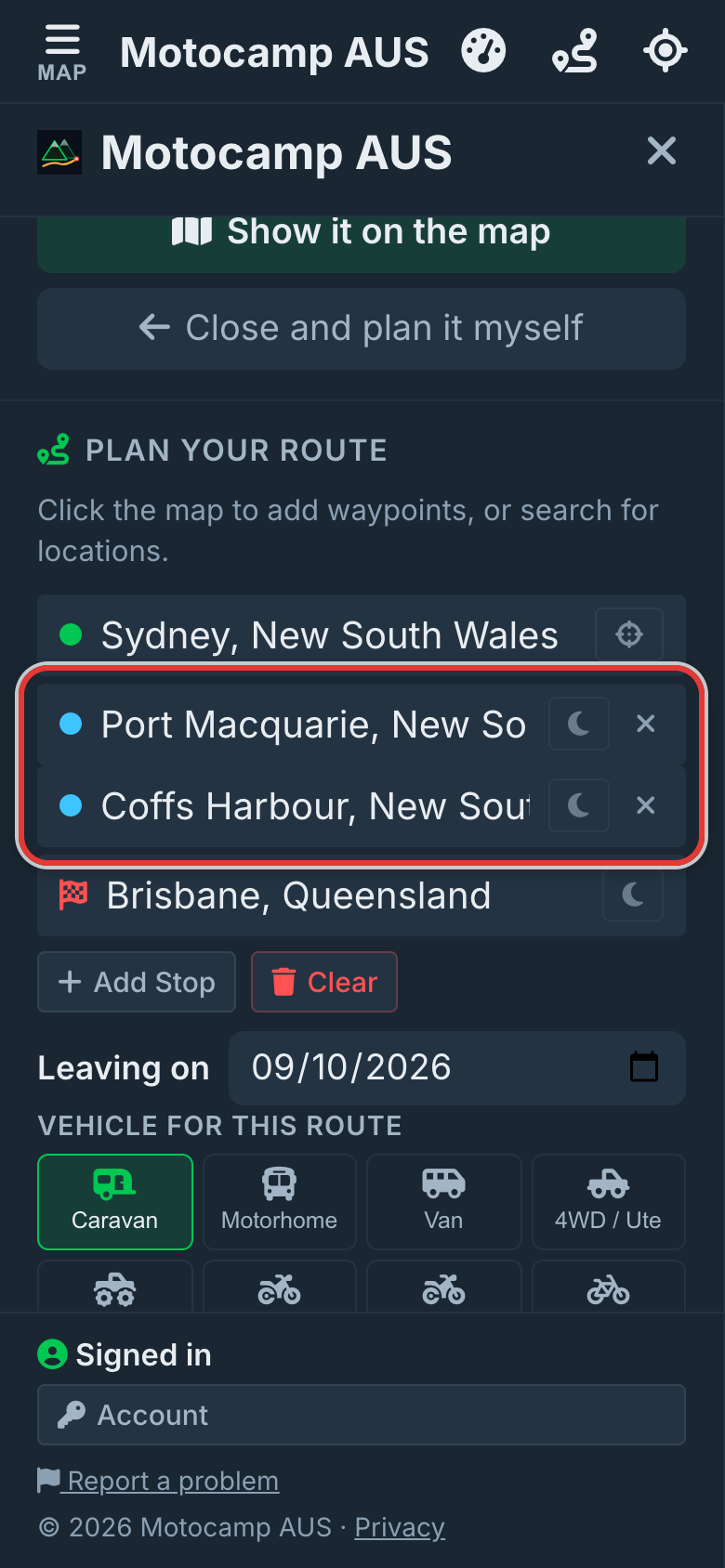
Tap Menu, then tap the Route tab. Type Sydney in Start location. Tap Add Stop and type Port Macquarie. Tap Add Stop again and type Coffs Harbour. Type Brisbane in End location. Put the stops in the order you'll drive them. Tap the right place in the list under each box. Then tap Plan Route.
2Tap the moon to pick nights
Route Summary, at the top of the Route tab, shows your days and nights. Want to sleep at a stop? Tap the moon next to it. The moon turns gold. Pick no moons and the app splits the trip by driving time. That's about 9 hours a day. It's 7 hours with a motorhome, a caravan or trailer in tow, an enduro bike or a side-by-side.
3Set the Leaving on date
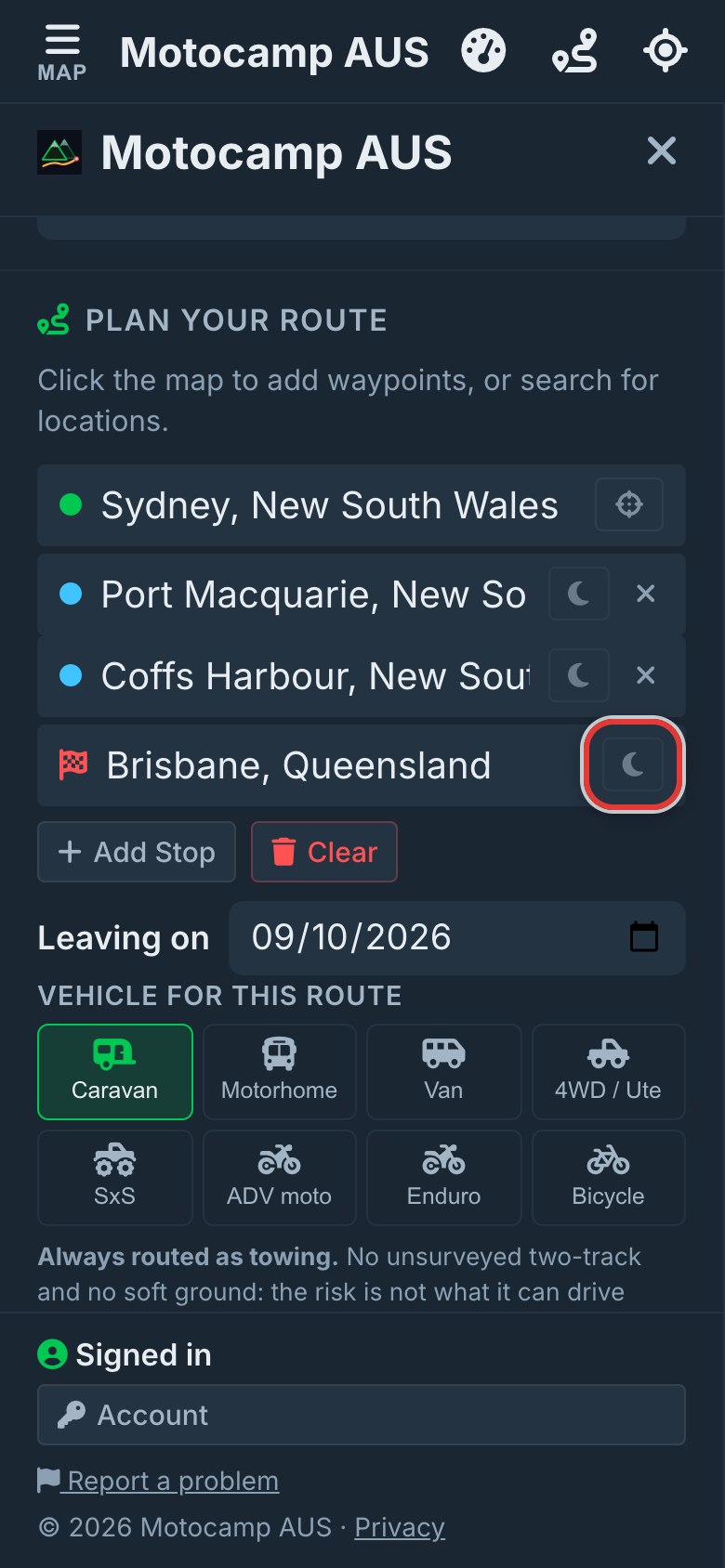
Under the stops, tap the Leaving on box. Pick the day you leave. Each day of the plan gets the weather for its own date. It shows sunrise and sunset too. Road closures are checked for your trip date. The weather only goes 16 days ahead. Past that, the plan tells you to check back nearer the time.
4Tap Email me this trip plan
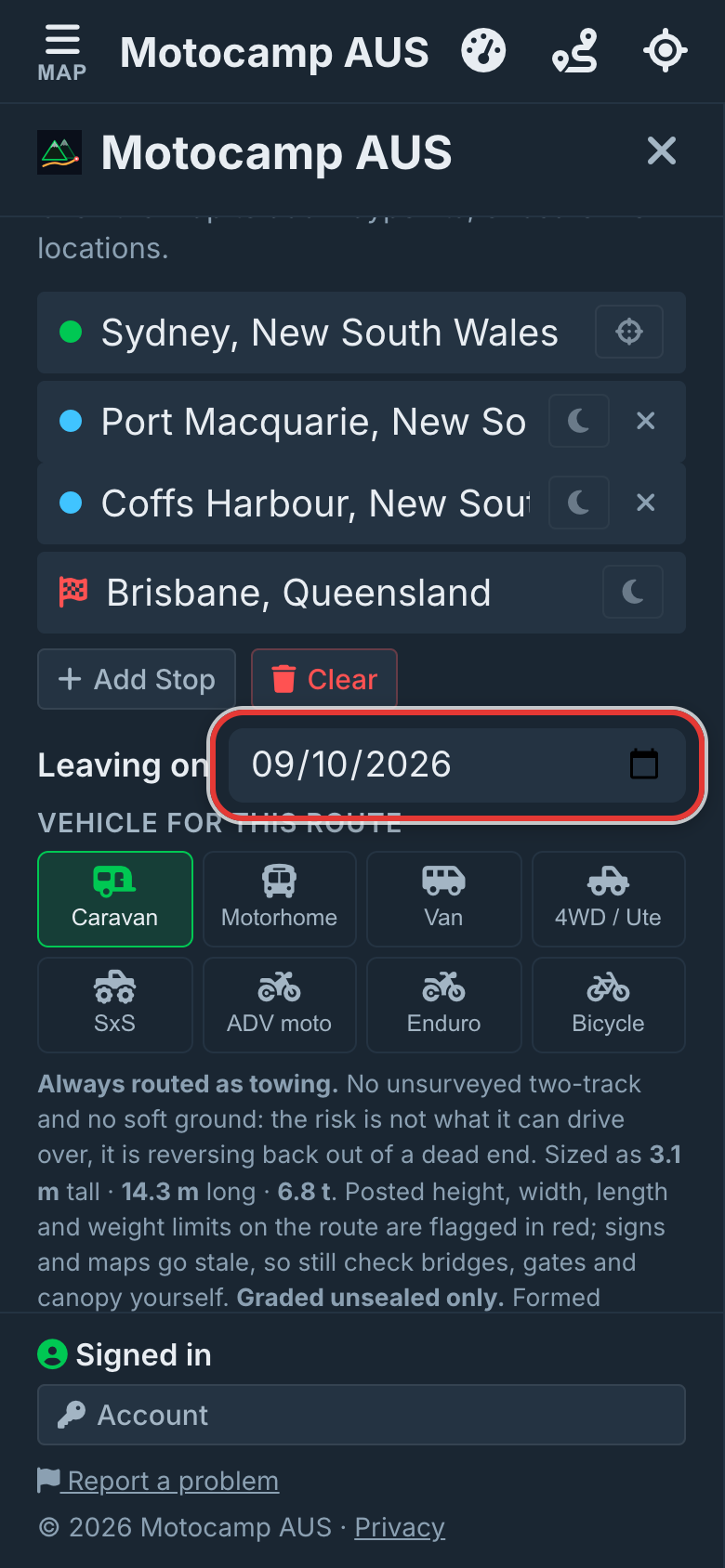
Go back to the top of the Route tab. Tap Email me this trip plan. Wait a few seconds while it's made. It goes to the email on your account, with the PDF attached. The route is also kept in Saved Routes, under the plan's name. Later you can load it, change it and email the new plan.
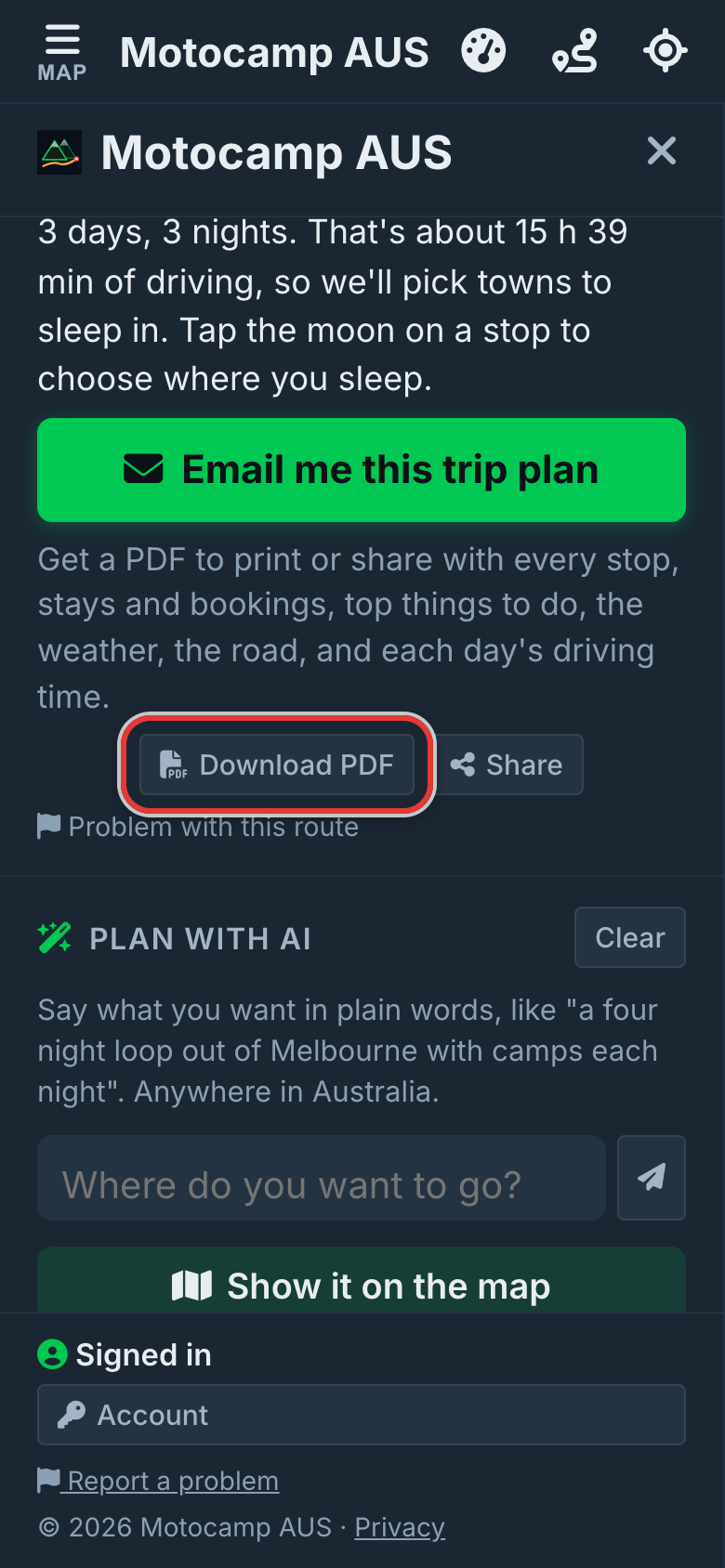
5Or tap Download PDF
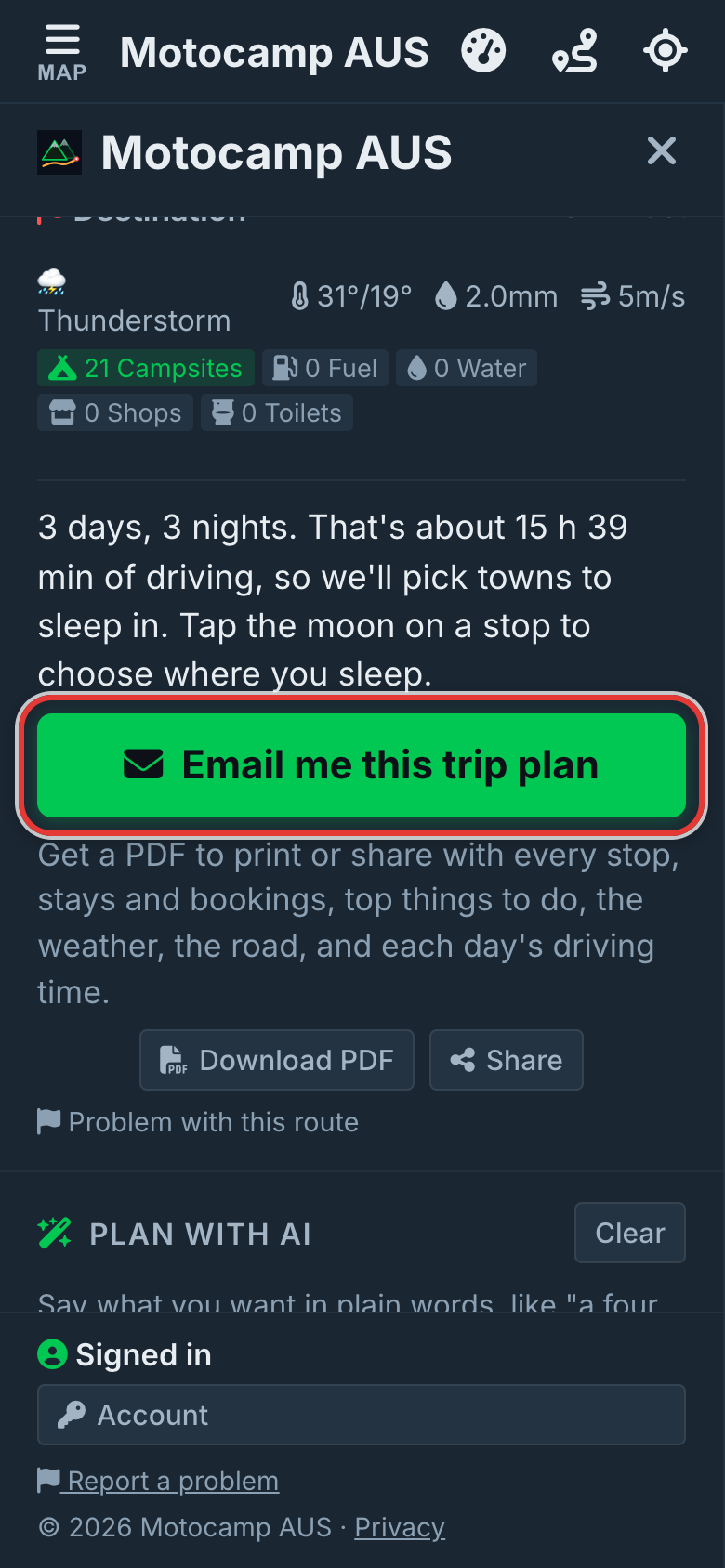
Tap Download PDF, just below. This saves the plan on your phone or computer. Some phones also show a Share button next to it. Use it to send the PDF by your own email or messages. Did you change the route? Tap the button again for a new plan.
6Read it day by day
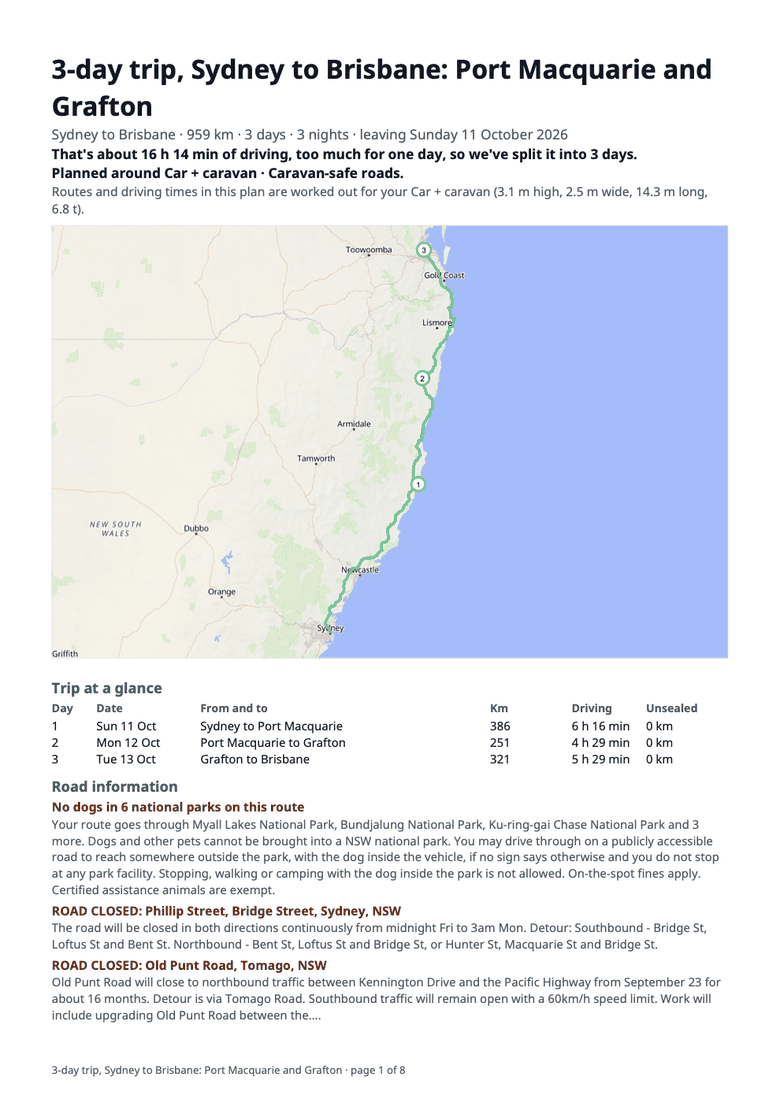
Each day gets its own page with a map of that day's drive. It shows the kilometres, the driving time and how much is gravel. It names the main roads, the climbs and any passes. It has the weather for that date, with sunrise and sunset. It lists every fuel stop and the longest gap with no fuel. Then come places to stay near that night's stop. Each has a link to check prices, its website and phone. Last come the best things to do there.
Good to know
The plan uses the vehicle you chose under Vehicle for this route. Do you have a motorhome, a car and caravan, or a campervan? Then you get holiday parks, free camps and campgrounds it can fit into. Other vehicles get two places with a bed, the cheapest first. That includes a 4WD. They also get the nearest campgrounds. Distances are by road where the app could measure them. Put a stop right on a park or motel you like. The plan lists it first, with a cheaper one and a pricier one nearby. Costs shown are a guess from the type of place. Check the booking link for the real one. You can email up to 5 plans a day. Plan with AI trips have the same buttons, in the Plan with AI panel. The plan is extra help. You still have the live map and turn by turn navigation.
Also in the app: maps that work with no signal, campgrounds and free camps, and Plan with AI. It plans routes for eight kinds of vehicle, from an enduro bike to a 10-metre motorhome.