
Find campsites that take your dog
Turning up with the dog and finding a no pets sign is a bad end to the day. Tap Dogs OK, and the map fades every campsite that hasn't said yes to dogs. Each card shows the dog rule, if one is recorded.
1Open Menu, then Layers
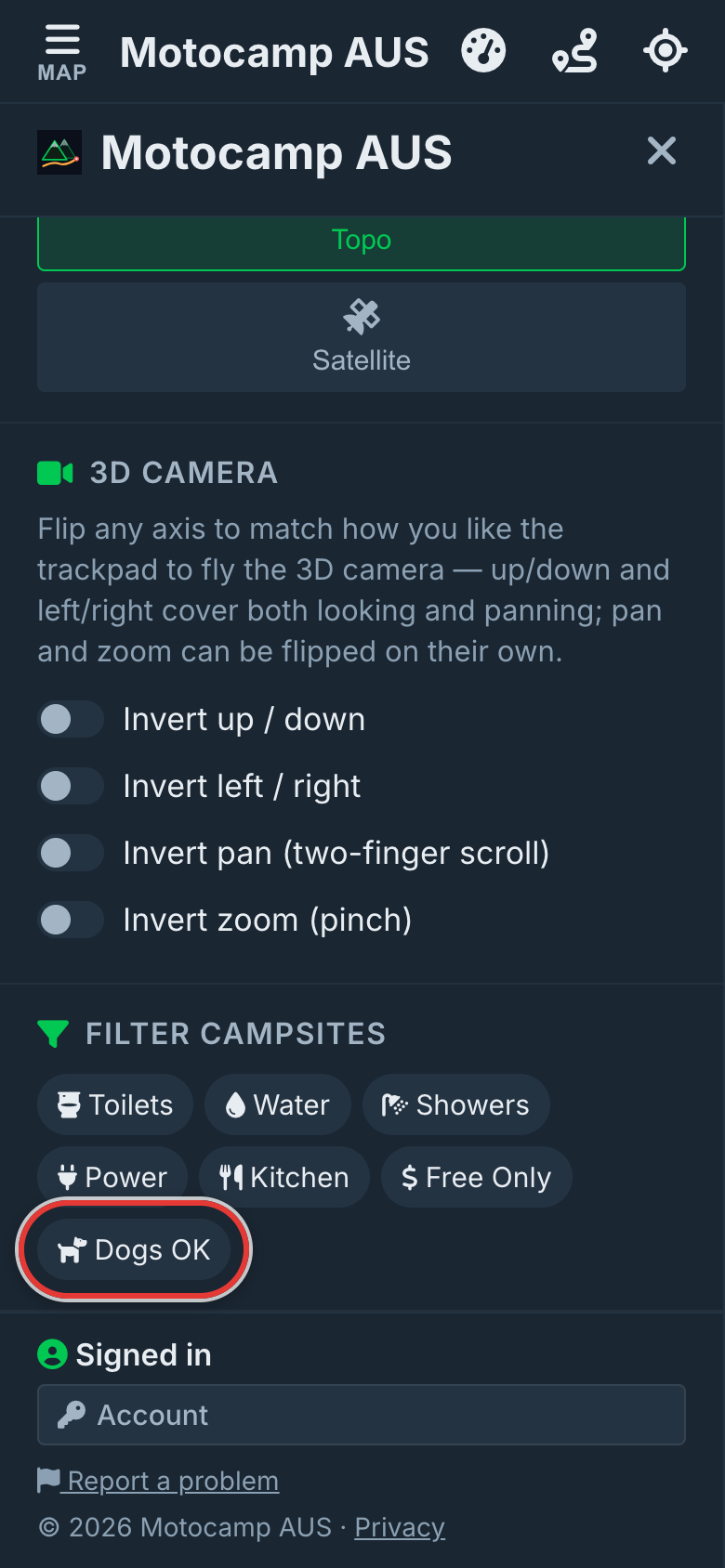
Tap Menu at the top of the screen. Then tap the Layers tab. Scroll down to Filter Campsites at the bottom. Dogs OK is the button with a dog on it. It's next to Free Only.
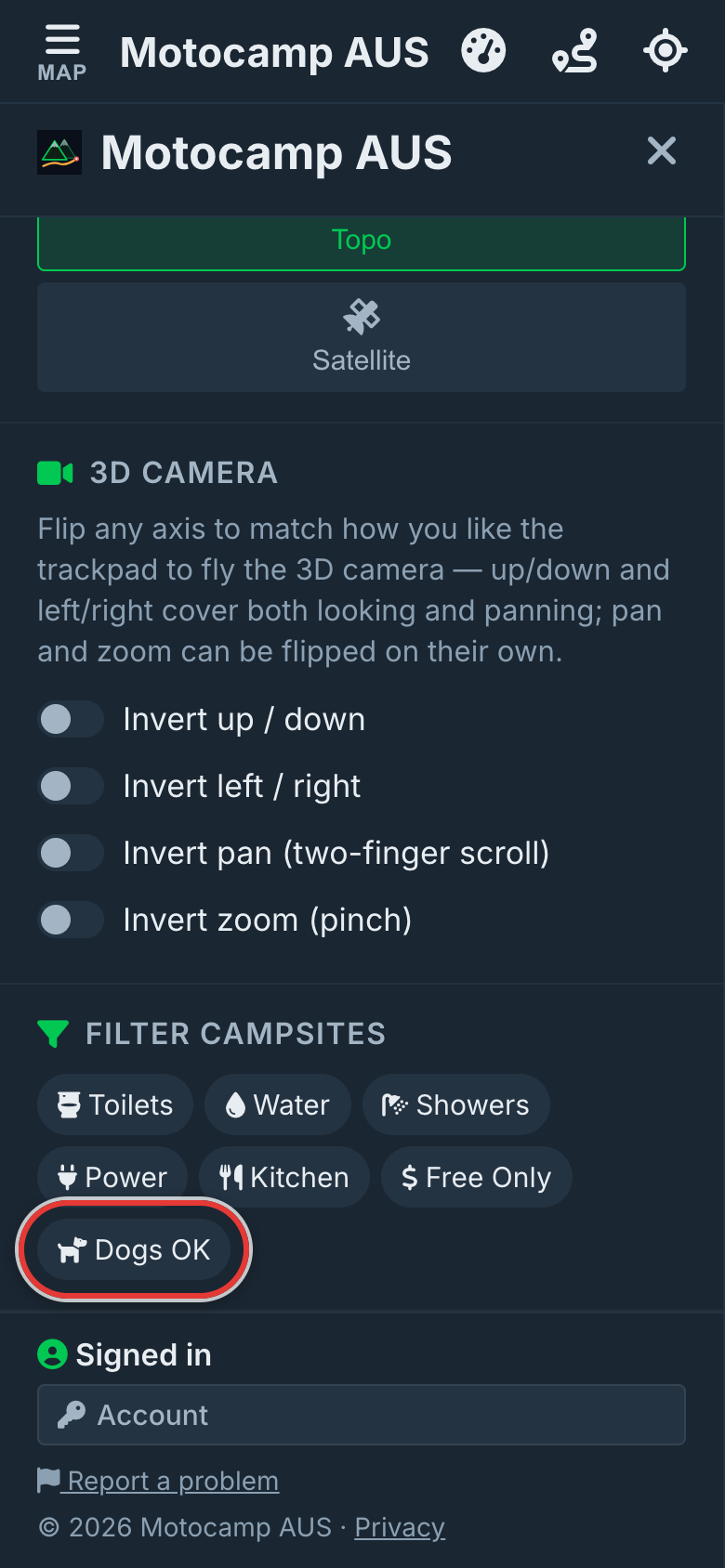
2Tap Dogs OK
Tap Dogs OK, and it turns green. Now some sites stay bright on the map. These are National & State Parks, Caravan Parks, Free Camping and Self-Contained sites that take dogs. The rest fade. That includes sites where nobody has recorded a dog rule.
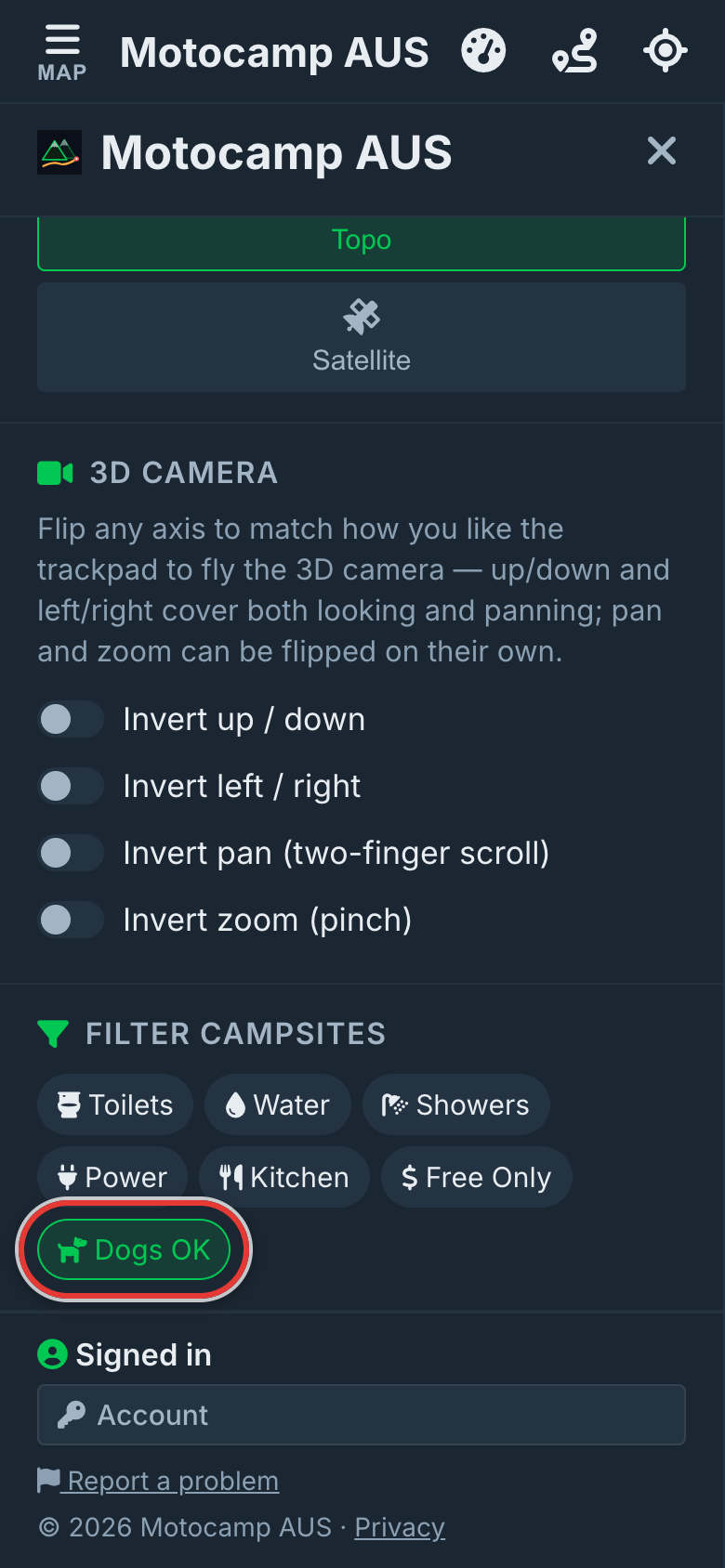
3See what's left on the map
Close the Menu. Move the map to where you're going. The bright pins are sites that take dogs. The faded ones are still there. You can tap any pin to check it.
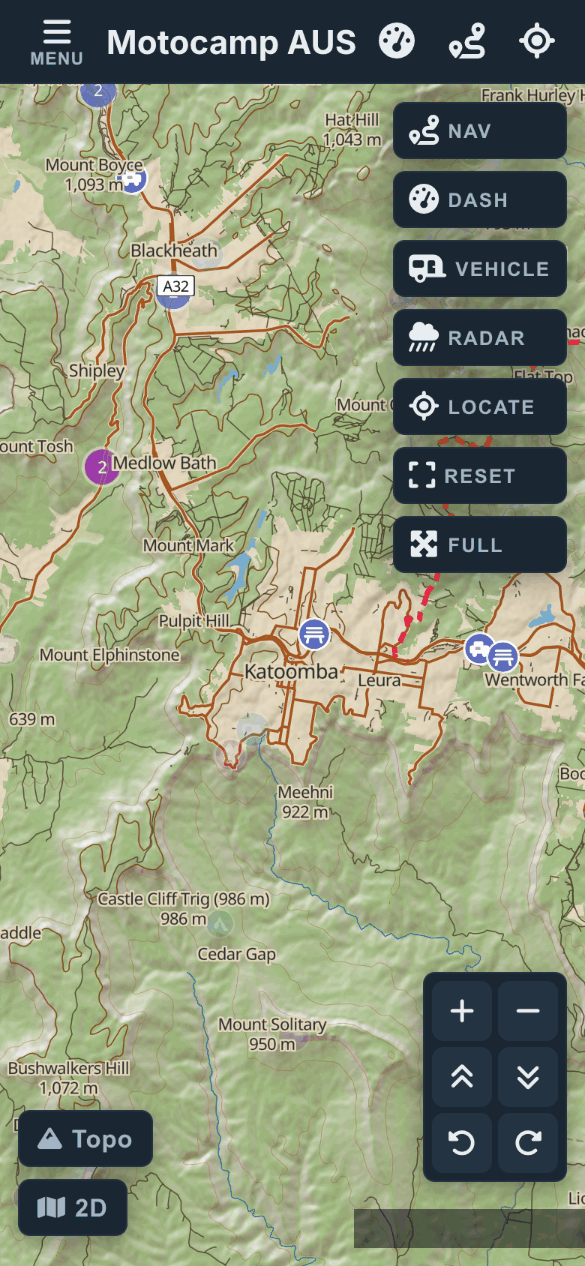
4Read the dog rule
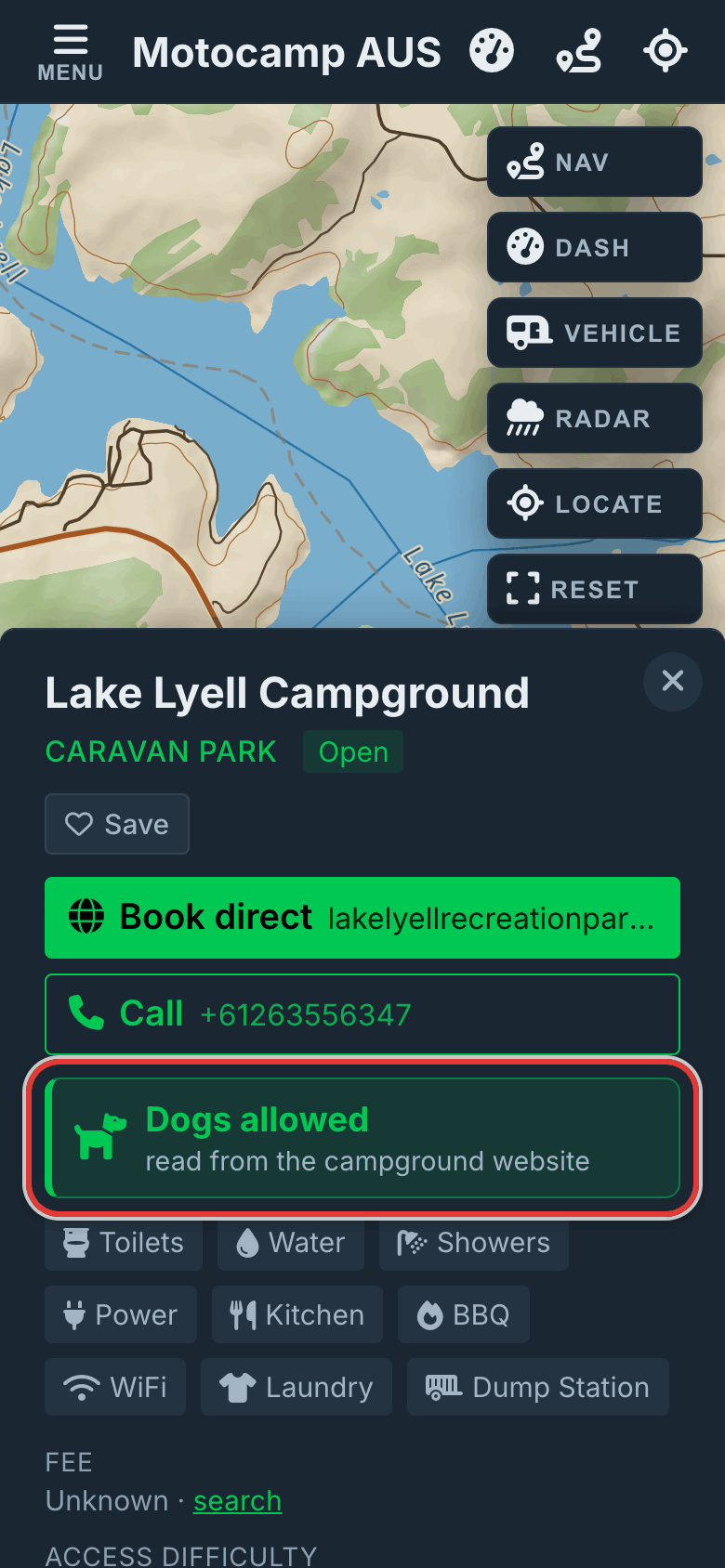
Tap a bright pin to open its card. Near the top is the dog row. It says Dogs allowed, Dogs on leash, Dogs off leash, Dogs with permit or No dogs. Sometimes a small line under it says where the rule came from. For example: read from the campground website. Or: general rule, confirm with the campground. No dog info means nobody has recorded a rule.
5Add what you know
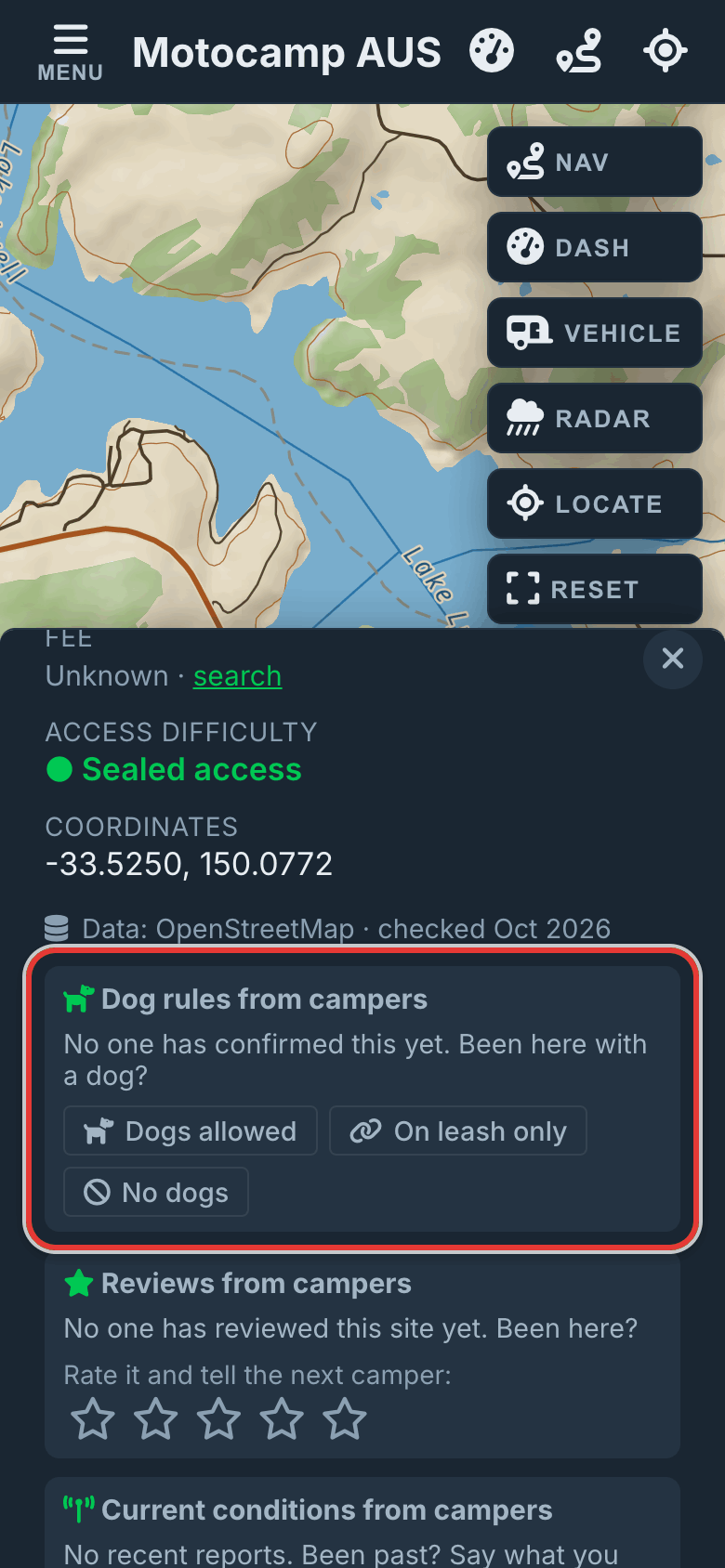
Been there with a dog? Scroll down the card to Dog rules from campers. Tap Dogs allowed, On leash only or No dogs. Then pick how you know. Choose Saw a sign, Staff told me, Stayed with a dog, Saw dogs there or Other. Add a note if you like, then tap Post report. Other campers will see it on the card.
6Turn it off when you're done
Dogs OK stays on until you tap it again. It even stays on after you close the app. To see every site clearly again, open Menu, then Layers. Scroll to Filter Campsites and tap Dogs OK once more.
Good to know
A site with no dog rule fades too, because unknown isn't a yes. Rules come from a park group's general rule, the campground's website, or map data. Many sites have no rule recorded yet. A blank doesn't mean dogs are banned. Check with the park before you go. One camper's report shows on the card as not confirmed. It doesn't change the filter. Once enough campers agree, their answer counts in the filter too. Rest Areas and Campsites always stay bright. Plan a route through a national park, and the Route Summary shows a warning. It gives that park's dog rule.
Also in the app: maps that work with no signal, campgrounds and free camps, and Plan with AI. It plans routes for eight kinds of vehicle, from an enduro bike to a 10-metre motorhome.