
Tell it your trip, get a route
You know where you want to go. Working out the roads and the nights is the slow part. Type your trip in a sentence. Plan with AI gives you two or three routes to pick from. Then it draws your pick on the map, with places to stay.
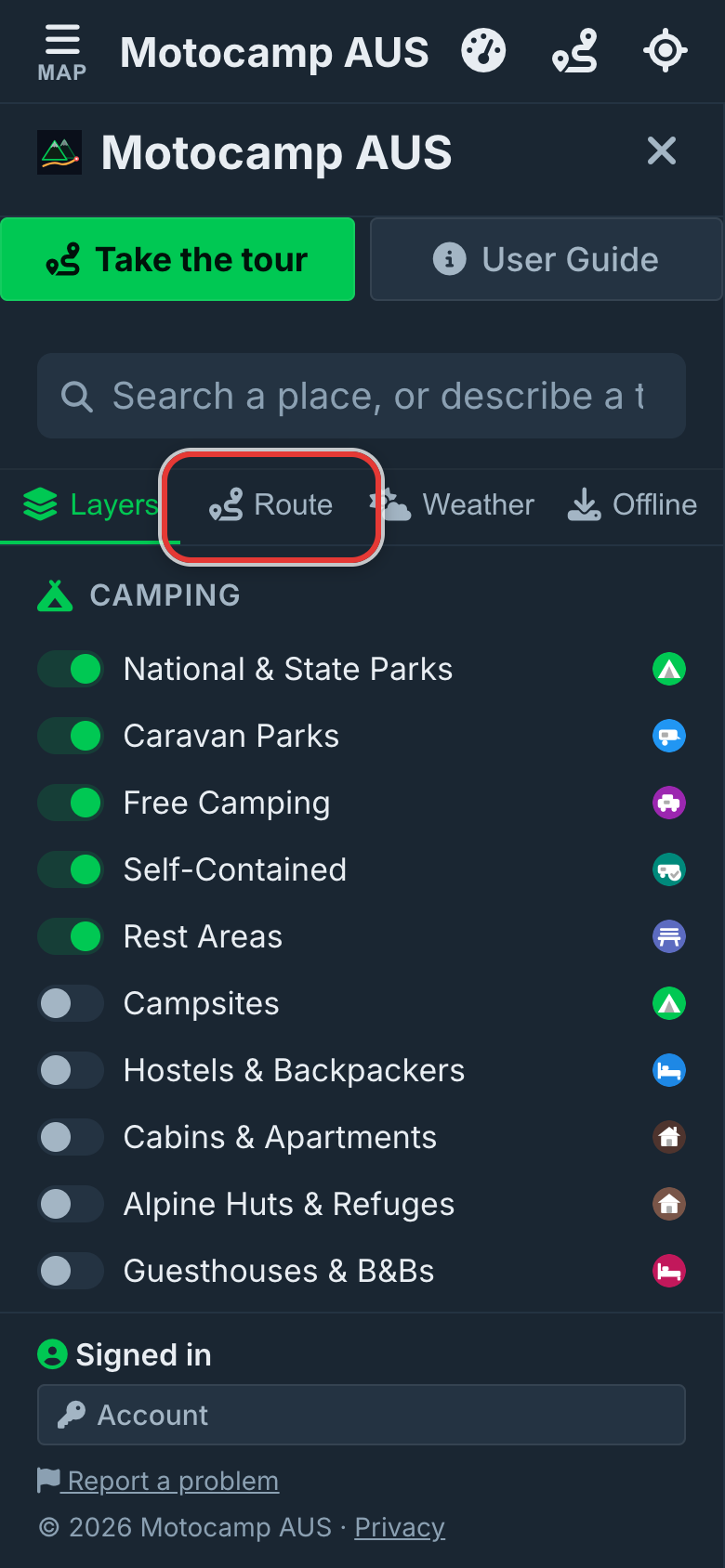
1Open Menu, then Route
Tap Menu at the top of the screen. Then tap the Route tab. Plan with AI is the box near the top, under its own heading. You can use it while your trial or subscription is active. It needs a phone signal, because the planning is done online.
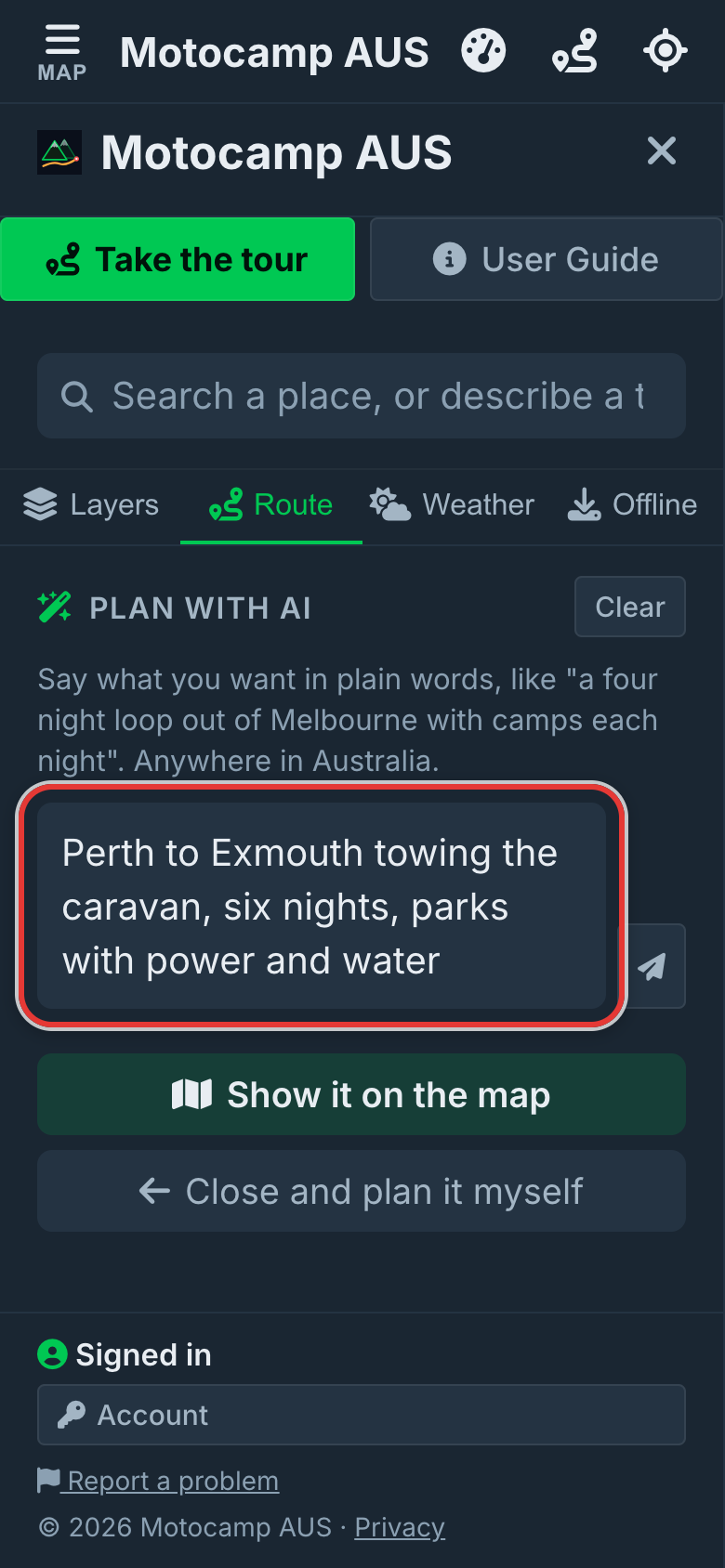
2Write your trip in the box
Tap the box that says Where do you want to go? Write your trip the way you'd tell a friend. Say where you start and where you finish. Say what you drive and where you like to stay. For example: Perth to Exmouth towing the caravan, six nights, parks with power and water. Don't know how many nights? Leave it out, and it works that out for you.
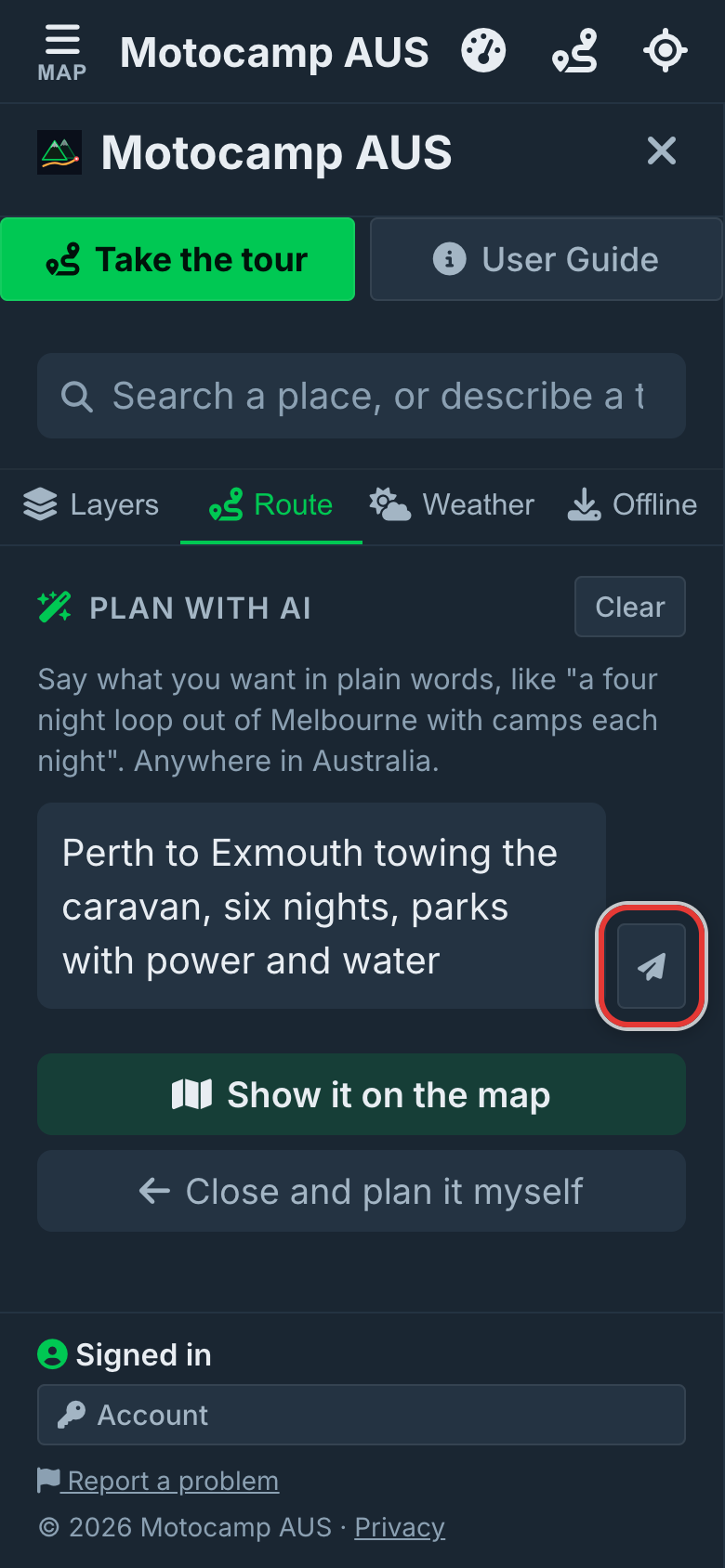
3Tap the paper plane to send
Tap the paper plane button next to the box. On a computer, you can press Enter instead. The answer shows up under your message. It may ask you one short question, like what you're driving. Type your answer in the same box and send it. You can also type a trip in the search box at the top of the Menu. Then tap Plan this trip with AI.
4Tap the option you like
You'll usually get two or three options. Each card shows a name, the distance, the nights and a short summary. Tap one, and the app draws that route on the map. Want a change? Type it in the box and send it. For example: free camps instead, or add a night at Kalbarri. You'll get new options back.
5Pick where you stay each night
Look for What sort of place each night? Tap Best mix, Free camps, Holiday parks, Campgrounds, Motels or Hotels. The list for every stop changes to match. Don't need a place? Tap None, I have my own. On a phone, tap Show it on the map to see the route. Tap Menu to come back. Save this trip keeps it for later. Email me this trip plan sends you a plan you can print.
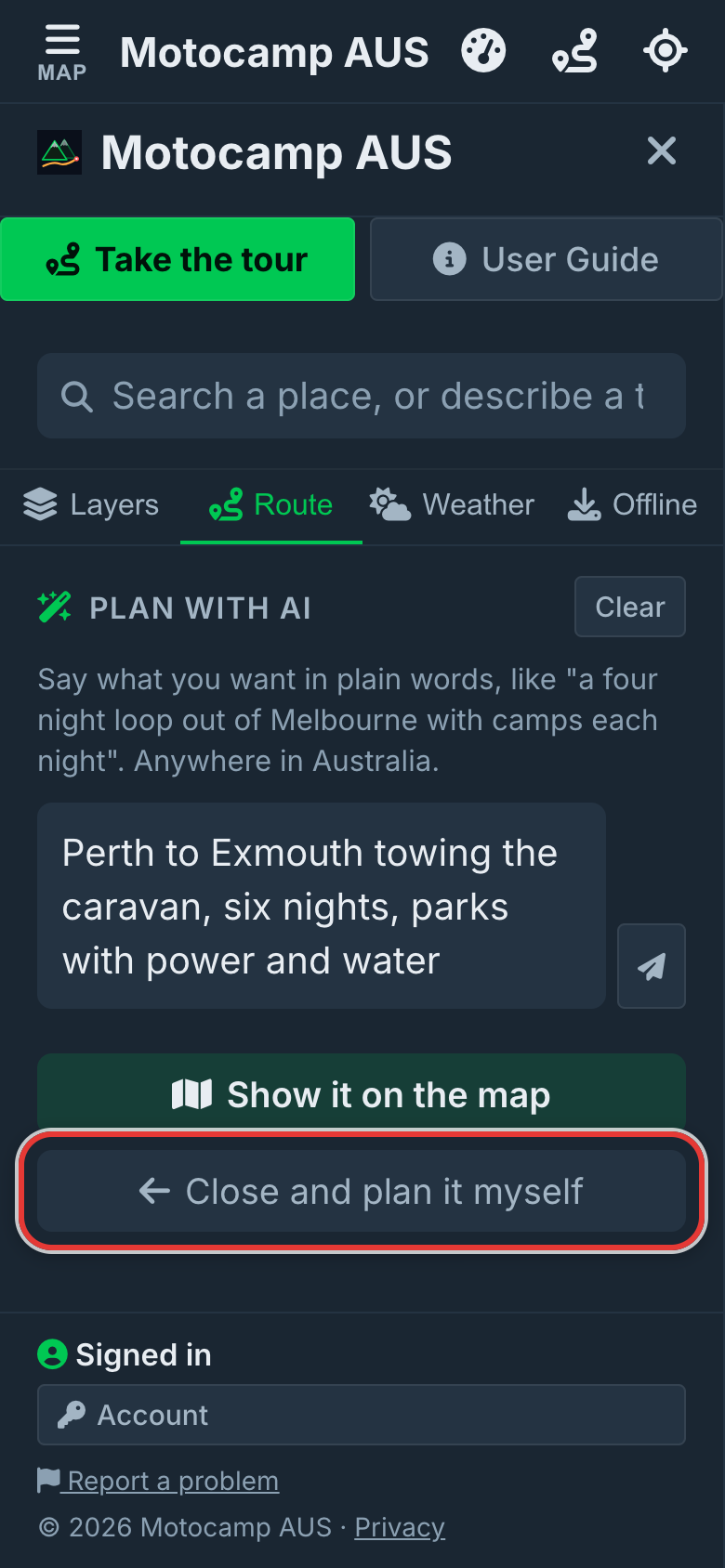
6Close it when you're done
Tap Edit stops and roads under Save this trip. The rest of the Route tab comes back. Your route stays on the map. Under Plan Your Route, the start, the stops and the end are filled in. Add, remove or change any of them, then tap Plan Route. For a different road, drag the line on the map onto it. To start a new trip, tap Clear at the top of the Plan with AI box.
Good to know
Plan with AI plans trips anywhere in Australia. You can send it 15 messages a day. Every message counts, and that includes your follow-ups. Messages the planner sends for you to change a plan count too. When you reach 15, it tells you. You can still plan by hand under Plan Your Route. Or carry on the next day. The distance on each option is a rough figure. The line on the map is the real route. Check the places to stay before you go.
Also in the app: maps that work with no signal, campgrounds and free camps, and turn by turn navigation. It plans routes for eight kinds of vehicle, from an enduro bike to a 10-metre motorhome.